
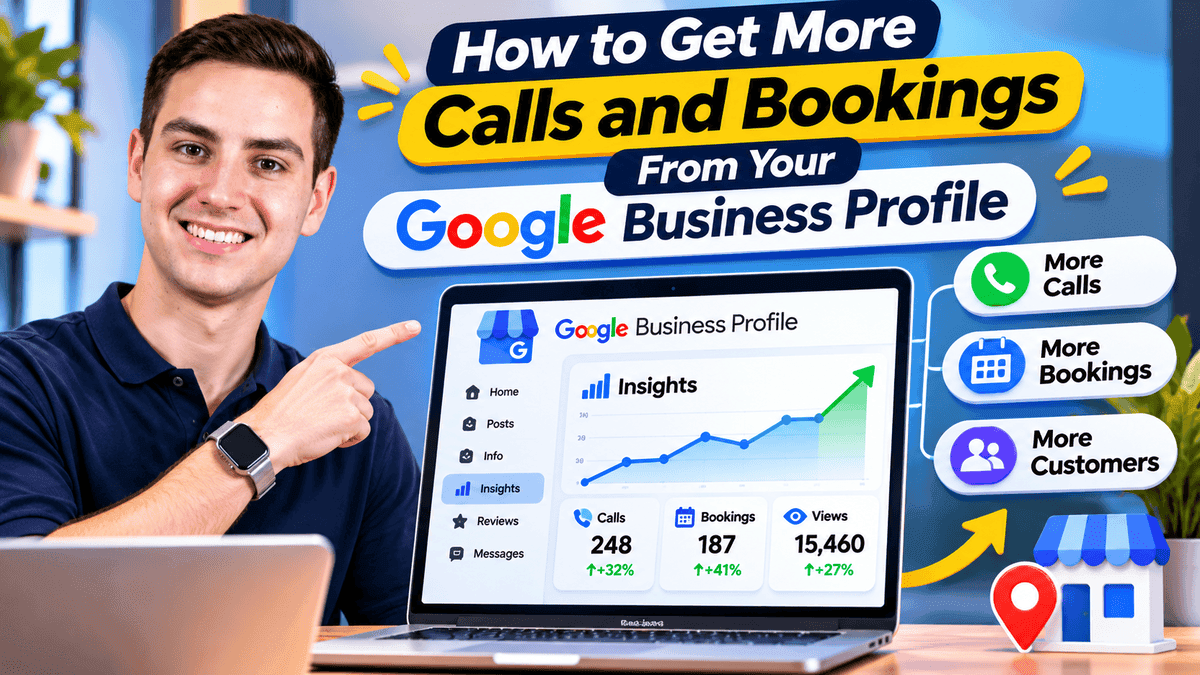
Your Google Business Profile can generate more calls and bookings when customers can quickly understand your services, check your availability, and contact you without extra steps. Getting profile views is useful, but visibility alone does not bring appointments. Accurate business details, genuine customer reviews, working booking links, and timely responses all help customers make a decision. This guide explains how to improve each step and track the inquiries that matter.
Why Google Business Profile Views Do Not Always Lead to Calls
A view means someone saw your listing. It does not mean they wanted to call. People decide fast, often on a phone. They compare services, reviews, photos, and hours. Then they pick the business that feels easiest to contact. Several things get in the way. Common ones are unclear services, an old phone number, a booking link that fails, few reviews, and slow replies. Each small gap can cost a call. One dead end can be enough for a customer to try someone else.
How to Get More Calls and Bookings From Your Google Business Profile
Each step below is either confirmed in Google's documentation or a practical habit. None of them guarantees a result.
Choose Accurate Categories and List Your Services
Google says local search results mainly depend on relevance, distance, and prominence. While a business cannot directly control every ranking factor, accurate categories and service information help Google understand what it offers. Choose the primary category that best represents your business and add secondary categories only when they genuinely apply. Describe your services in clear language, such as "teeth whitening" or "move-out cleaning," so customers can quickly recognize what they need. Businesses can also improve local search visibility by strengthening their wider local SEO strategy.
Make Your Phone Number and Business Hours Easy to Trust
Make sure your phone number and hours match your website. Include holiday hours too. Google ended Business Profile chat in July 2024. It recommends keeping a phone number on your profile. Test it yourself. Call from a different phone at lunch and again after hours. If the profile says you're open, someone should answer. If not, the voicemail should promise a callback. Update holiday hours early, so nobody finds a closed door.
Add Booking Links That Lead to the Right Page
Eligible businesses can add booking, reservation, or ordering links to their Google Business Profile, depending on their category and location. These links should take customers directly to a relevant page where they can complete the intended action. Google's business link guidelines require dedicated, accessible landing pages rather than social media profiles, messaging links, or URL shorteners. Test your booking page on a mobile phone and check whether customers can choose a service, select an available time, and complete the process without confusion. A working link with fewer unnecessary steps makes booking easier.
Use Photos and Customer Reviews to Build Confidence
Real photos help potential customers see your workplace, team, and completed services before making contact. Customer reviews provide another useful perspective by showing how people experienced the business. Encourage genuine feedback after completed services and respond professionally to both positive and negative comments. Businesses looking to get more Google reviews can explore available services and packages while keeping their focus on authentic customer experiences. A complete profile with relevant photos, accurate information, and genuine customer feedback gives people more confidence when deciding whether to call or book an appointment.
Send Website Visitors to a Relevant Service Page
Many customers tap your website link before they call. Send them to the page that matches their search. A dental clinic that promotes implants should link to its implant page. A homepage with a slideshow wastes their time. A good page names the service and area. It has a tap-to-call button and a short form. It loads fast on a phone. Make the phone number easy to tap. Its wording should match your profile, so customers know they're in the right place.
Respond Quickly to Calls and Booking Requests
A call-button click isn't a booked customer. Missed calls and slow replies lose people who were ready to act. Decide who returns missed calls and how soon. Tell customers when to expect a reply. Send a short confirmation with the date, address, and next steps. Faster follow-up helps you keep the chances Google sends you. It can't promise a booking.
How to Check Whether Your Google Business Profile Is Generating Leads
Owners and managers of verified Google Business Profiles can check customer activity through the Performance report. Sign in to the Google Account connected to the business, open the profile in Google Search, and select Performance. In the Google Maps app, tap Business and choose See more beside Performance. Select a reporting period to review profile views, call-button clicks, website clicks, and other available interactions. Booking totals appear when appointments are managed through a supported booking provider. Compare equivalent reporting periods and check your own appointment records to understand whether customer inquiries are turning into confirmed bookings.
| Metric | What It Shows | What It Does Not Prove |
|---|---|---|
| Profile views | Unique people who viewed your profile on Search and Maps, counted once a day | Customer inquiries, or total search impressions |
| Call-button clicks | Times someone clicked the call button | Answered or completed calls |
| Website clicks | Times someone clicked your website link | Form fills, purchases, or conversions |
| Booking interactions, where available | Bookings completed through a supported booking provider | Appointments made by phone, or confirmed arrivals |
Track confirmed appointments in your own booking system, CRM, or records. Google's numbers show interest, not sales.
A Practical Example of Turning Profile Views Into Bookings
This fictional example uses made-up numbers. It isn't real data or a promise of results. A neighborhood dental clinic gets 1,000 profile views, 60 call-button clicks, and 40 website clicks in a month. Few new patients book. The owner calls the listed number at lunch. She gets voicemail with no callback promise. The website link opens a homepage with no appointment page. Recent reviews have no replies.
The owner makes three changes. A staff member begins returning missed calls the same day, the website link leads to a mobile-friendly appointment page, and recent customer reviews receive thoughtful replies. After a month, the clinic compares profile interactions with its appointment records. The owner checks how many inquiries were received, how many appointments were confirmed, and whether missed calls decreased. An improvement would be encouraging, although the numbers alone would not prove which change caused it. This approach helps the clinic identify where customers may still be dropping out of the booking process.
Common Mistakes That Cost Businesses Calls and Appointments
- Leaving old hours, phone numbers, or booking links live
- Choosing a category that doesn't match the main service
- Treating profile views as booked customers
- Sending every click to a generic homepage
- Letting missed calls and booking requests sit unanswered
- Offering rewards for reviews or posting feedback that isn't real
A Simple Weekly Google Business Profile Checklist
These are good habits, not Google ranking rules.
- Confirm your phone number, hours, and holiday hours.
- Tap your website and booking links on a phone.
- Read and reply to new reviews.
- Return or log every missed call and booking request.
- Review missed calls and booking requests weekly, then compare monthly Performance data with confirmed appointments.
Frequently asked questions
Final Thoughts
Getting more calls and bookings from Google Business Profile starts with making every customer interaction easier. Accurate services, reliable contact details, genuine reviews, and simple booking options help people move from searching to taking action. Review your Performance data alongside actual inquiries and confirmed appointments. Small, practical improvements can make your profile more useful to customers and help you identify what needs attention next.
About the Author
Sarah JohnsonGrowth Specialist
Specializes in helping local businesses maximize online visibility and customer engagement.