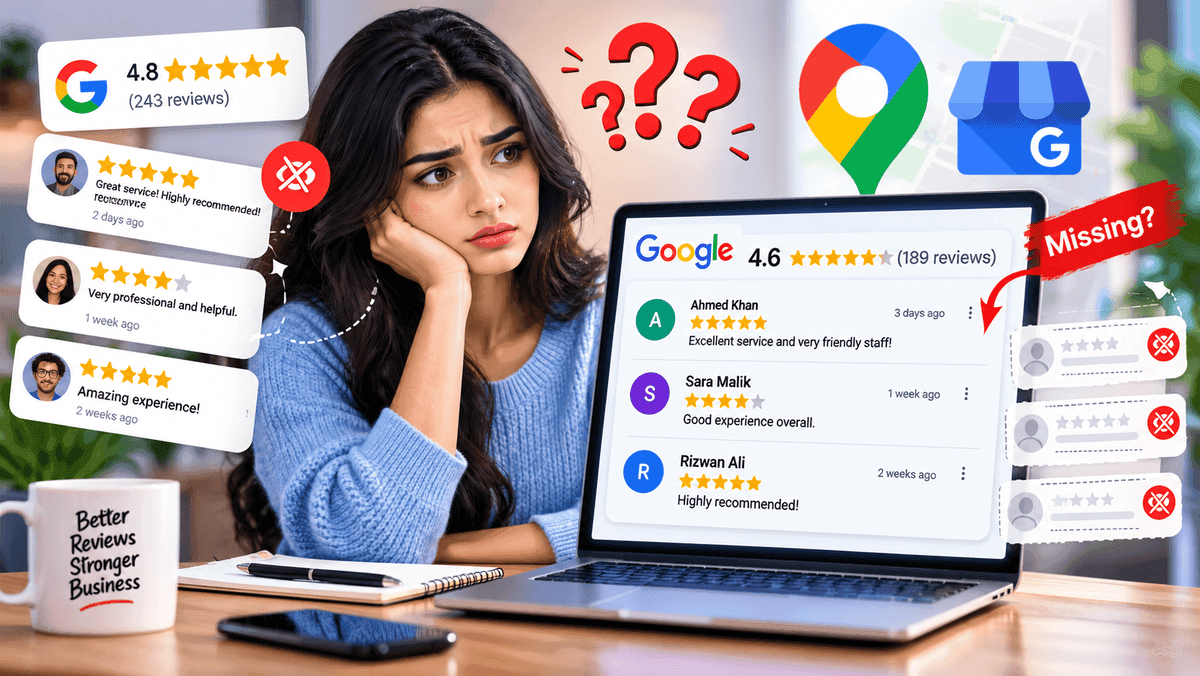

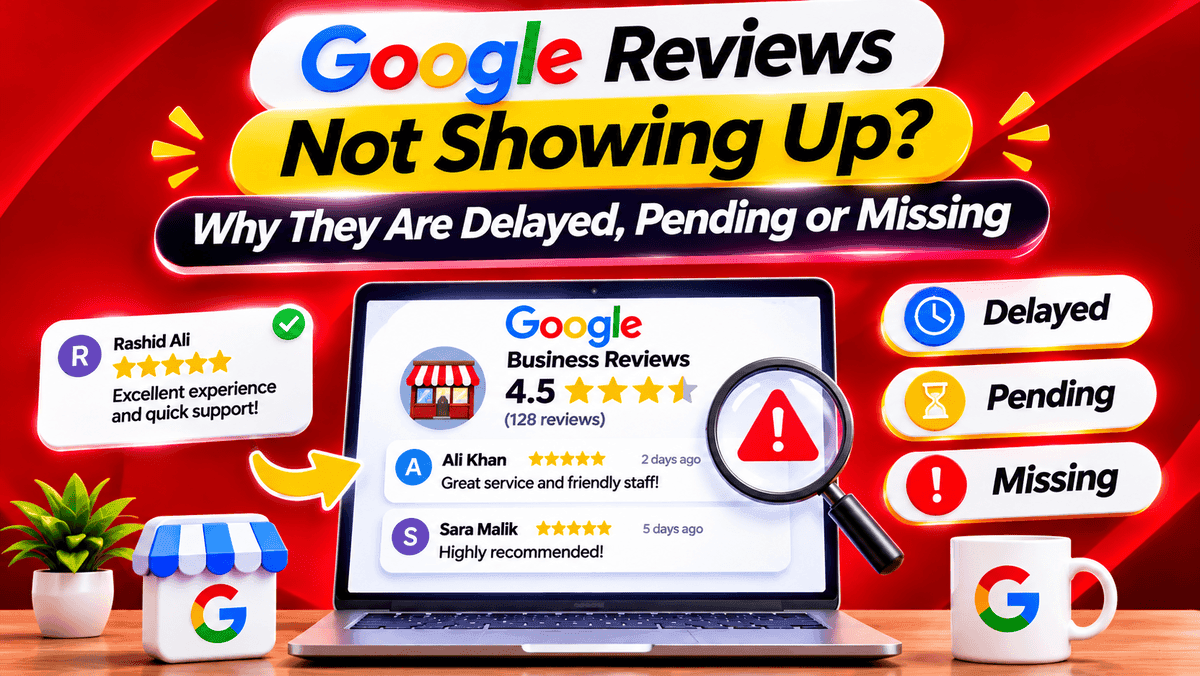
Google reviews not showing up usually comes down to a policy check that hasn't finished, a review Google took down, or a change on the profile. A café owner might hear a customer say "I left five stars this morning" and then find nothing on the page. That panic is fair, though the explanation tends to be duller than it seems. Some missing reviews never come back, so working out which situation this is comes first.
Quick Answer - Why Are Google Reviews Not Showing Up?
Most cases come down to a policy check that takes a few days or a review Google removed for breaking its rules. A profile merge or a temporary limit on reviews can do it too. To sort it out, look at the review from the reviewer's own account first, then view the profile signed out. Reviews removed for policy reasons don't come back.
How Long Does a Google Review Take to Show Up?
Google says "a few days" for some reviews, and that's as specific as it gets, since no fixed approval time exists. Plenty of blog posts quote hours instead, like 1 to 2 or 24 to 72, but none of that comes from Google, so those numbers are guesses.
What matters more is the situation. A review sent in this morning that hasn't appeared yet is a delay, while one that showed up last week and then vanished points to removal or a change on the profile.
Why Google Reviews Are Delayed, Pending or Missing
Some of these reasons come straight from Google and some are only theories, so keeping them in separate piles helps.
Reasons Google Officially Confirms
- Policy checks. Reviews go through a check against Google's content rules, and that can take a few days.
- Policy removal. If Google takes a review down for breaking the rules, it doesn't put it back.
- Merged profiles. When two profiles merge, reviews from both may take a few days to show up on Search and Maps.
- Older phones or software. Someone on an outdated Maps app can run into trouble posting, so the review never goes through.
- Temporary limits. Google can switch reviews off for certain profiles or categories for a while. Profiles filed mainly as schools for students aged 6 to 18 are one example, and universities, day care centers and swim schools aren't included.
- Reinstated profiles. After a suspended profile comes back, some reviews can still be missing, and Google suggests contacting support.
These two can sound like they contradict each other. Reviews Google removed for breaking rules stay gone, but reviews that disappeared while a profile was down are worth raising with support. One is about the content, the other is about the profile.
Other Possible Causes Worth Checking
Google's page doesn't list these as confirmed reasons, so they're better treated as things to rule out.
- A reviewer account that is brand new or has no activity
- Links, rude words or promo text inside the review
- A duplicate listing, where the review landed on a second page for the same business
- A short glitch on Google's side
- A profile that is unverified or has a notice on it
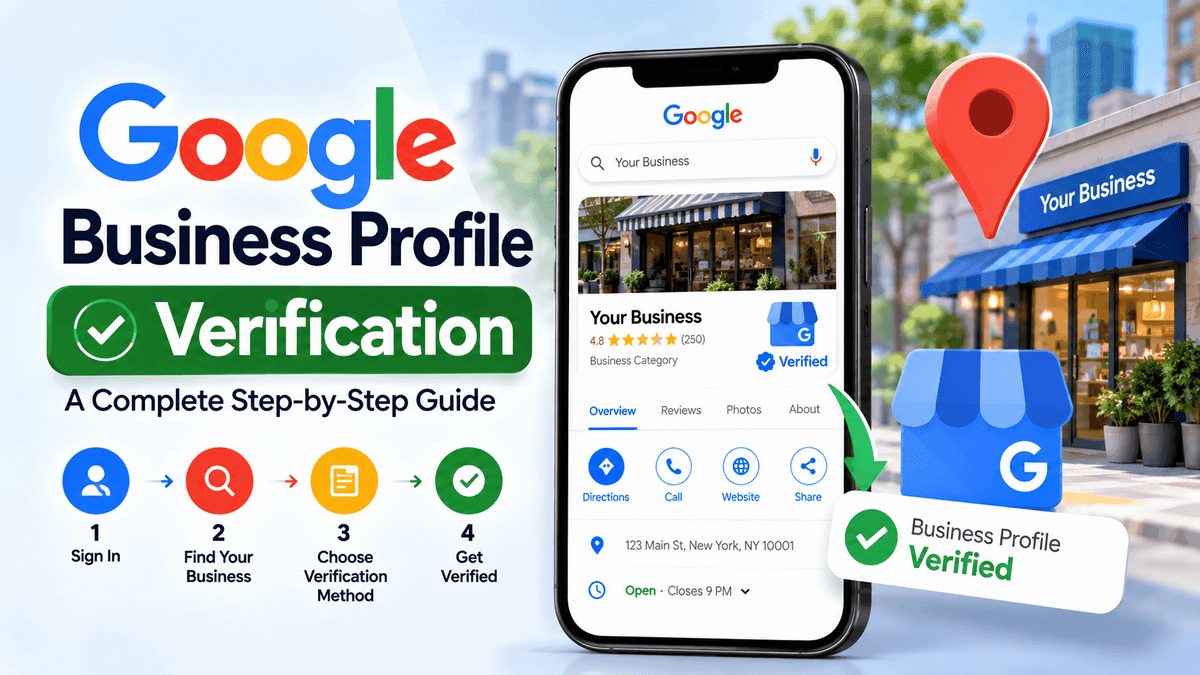
The last one is worth checking as part of the diagnosis, and this guide on how to verify a Google Business Profile walks through the steps. Plenty of guides claim that new accounts, shared Wi-Fi or a sudden burst of reviews trigger automatic filtering. Google's page never says that, so those remain theories.
Pending vs Removed vs Hidden Google Reviews - What's the Difference?
These are rough troubleshooting labels, not three official statuses that show up in Google's dashboard.
SituationMeaningFirst ActionPending or delayedNot public yet, and may still be in a checkAllow time, confirm the review went inRemovedWas visible or sent in, but no longer publicCheck the policy and the profile historyHidden from public viewThe reviewer can see it, others cannotCompare a signed-in view with a signed-out one
Of the three, "hidden" is the loosest, since it only describes what people can see and says nothing about the reason.
How to Check if a Google Review Is Missing
Menus look a little different from phone to phone and from one app version to the next, but the general idea stays the same.
Step 1 - Ask the Reviewer to Check Their Reviews
The reviewer can open Google Maps, tap the profile picture and look under Contributions. If the review shows up there, the reviewer can still see it, though that doesn't prove it's public. If it's missing there too, the review may never have been submitted, so it's worth checking that it actually went through.
Step 2 - Check the Business Profile While Signed Out
Searching for the business on Google and on Maps in a private browsing window helps rule out a cached page or a view that depends on being signed in.
Step 3 - Check Profile Status and Restrictions
Open the profile and read any notice on it. Verification problems, suspensions and content limits often show up as a message right on the profile.
Step 4 - Look for Duplicate or Recently Merged Listings
Search for the business name and address and see what turns up. A second listing may be holding the review, and a recent merge could explain a gap too.
Step 5 - Check the Date the Review Went In
A review from this morning mostly calls for waiting. One that stayed live for weeks and then vanished deserves a closer look at removals and profile changes.
What Business Owners Can Do About Missing Reviews
For a brand-new review, waiting a few days is the sensible first move. In the meantime, it's worth confirming the profile details are right and that no notice needs attention.
If something still looks wrong, Google's own page lays out the path. Reviews removed for breaking rules stay removed, while reviews missing after a reinstatement are worth taking to support. A missing review, a removed review and a restricted profile each need a different route, so sending the same appeal for all three won't work. Google's official guidance on missing or delayed reviews explains what applies to each.
A few habits help along the way:
- Note the reviewer's name, the date and a screenshot, if one exists
- Ask the customer to update Google Maps
- Use the Business Profile Help Community for questions that need more context
Reinstated profiles are the odd case, so if reviews vanished once a suspension ended, contacting support is what Google suggests.
What Customers Can Do When Their Review Doesn't Appear
Customers who posted a review have options too.
- Open Contributions in Maps and check whether the review shows
- Update the Google Maps app, since older versions can cause posting trouble
- Confirm the review went to the right business, especially with similar names or several branches
- Skip posting the same review again and again, since repeats do not speed anything up
After a few days with no sign of it, take a screenshot of the Contributions page. The business can share it with support.
What Not to Do When Google Reviews Go Missing
- Creating a replacement profile for the same business
- Submitting duplicate appeals or support requests before checking on an existing case
- Pressuring a customer to post again and again
- Offering a perk in return for a new review
- Assuming every missing review is a Google bug
How to Reduce Problems With Google Reviews
No routine guarantees that every genuine review appears. Real reviews can land in a check too. A few habits still lower the odds of avoidable trouble.
- Keep business details accurate and consistent. This guide on how to optimize a Google Business Profile goes deeper.
- Ask real customers after a real visit
- Keep review requests neutral, with no incentives or pressure (sharing the official Google review link is fine)
- Check the profile now and then, so no notice sits unseen
Google Reviews Showing on Maps but Not on a Website?
Sometimes a review shows on Google but not on a website. The cause may not be moderation at all. Third-party widgets often cache data and refresh on a schedule. A rating filter can hide lower scores. A broken integration can stop new reviews from loading.
Check the widget settings and the last update time first. A review visible on Maps was not necessarily removed by Google.
Frequently Asked Questions
Why are my Google reviews not showing up?
A few causes come up most often. A policy check can take a few days, Google may have removed the review for breaking its rules, or a recent merge or temporary limit could be hiding it. Looking at the reviewer's account first, then the profile while signed out, narrows things down.
How long does it take for a Google review to appear?
Google mentions a few days in some cases and gives no fixed time. Figures like 24 or 72 hours come from third parties, so they're closer to guesses than rules. A review that's only a day or two old is usually worth waiting on.
Why can a customer see their review but the public cannot?
Nobody outside Google can say for sure. It could be a delay, a removal or a display problem. Comparing the reviewer's view with a signed-out search shows where the gap is, and if it sticks around, screenshots and a post in the Business Profile Help Community are the next step.
Does Google automatically delete reviews?
Google removes reviews that break its content policies and doesn't restore them. How much of that happens automatically isn't spelled out, so claims about exact filters are guesses. Genuine reviews can also get caught in a check now and then.
Can a missing Google review be restored?
Not always. A review Google removed for a policy violation stays removed. One that went missing after a profile reinstatement is different, and Google suggests contacting support. A review that never posted can't come back, though the customer can leave a fresh one.
Why did a Google review disappear after it showed up?
A few things can do it, like a policy removal, a merge, a profile change or a deleted reviewer account. Checking the profile for notices comes first, then asking the reviewer to look at their contributions.
Final Thoughts - Check First, Then Wait
Most missing reviews land in one of a few buckets, and sorting out which one takes only a few minutes. Look at the reviewer's account, view the public profile and read any notices, then give a new review a few days. If it still looks off, use the Google route that fits the case.
About the Author
Sarah JohnsonGrowth Specialist
Specializes in helping local businesses maximize online visibility and customer engagement.