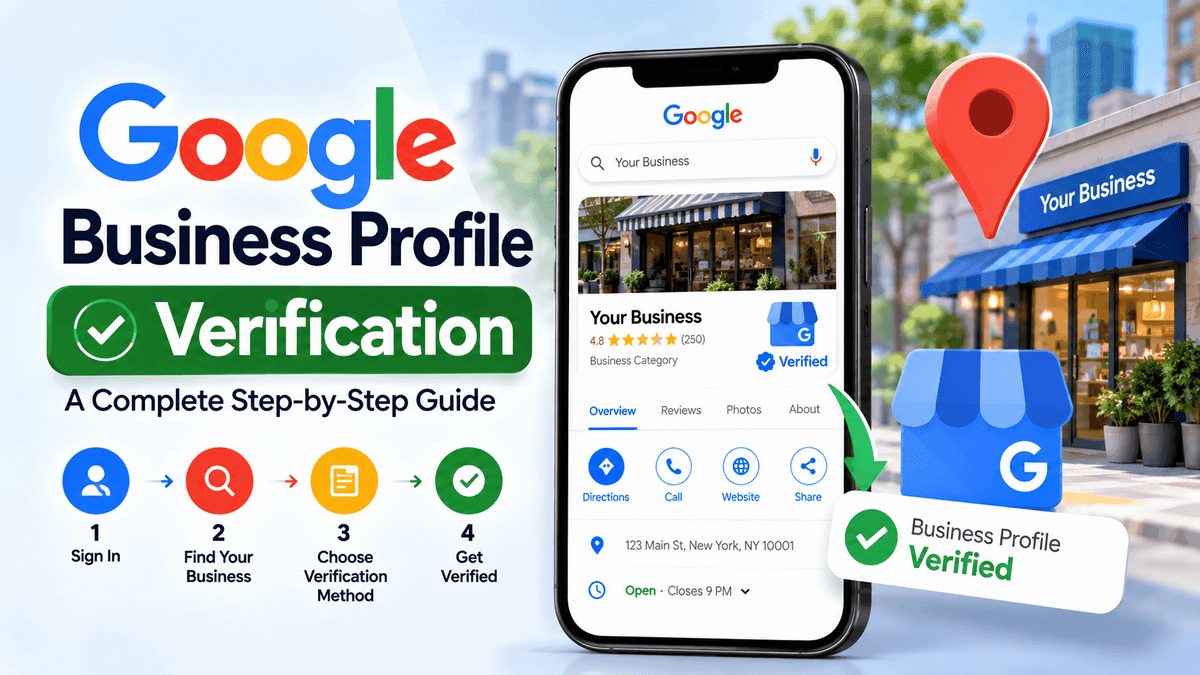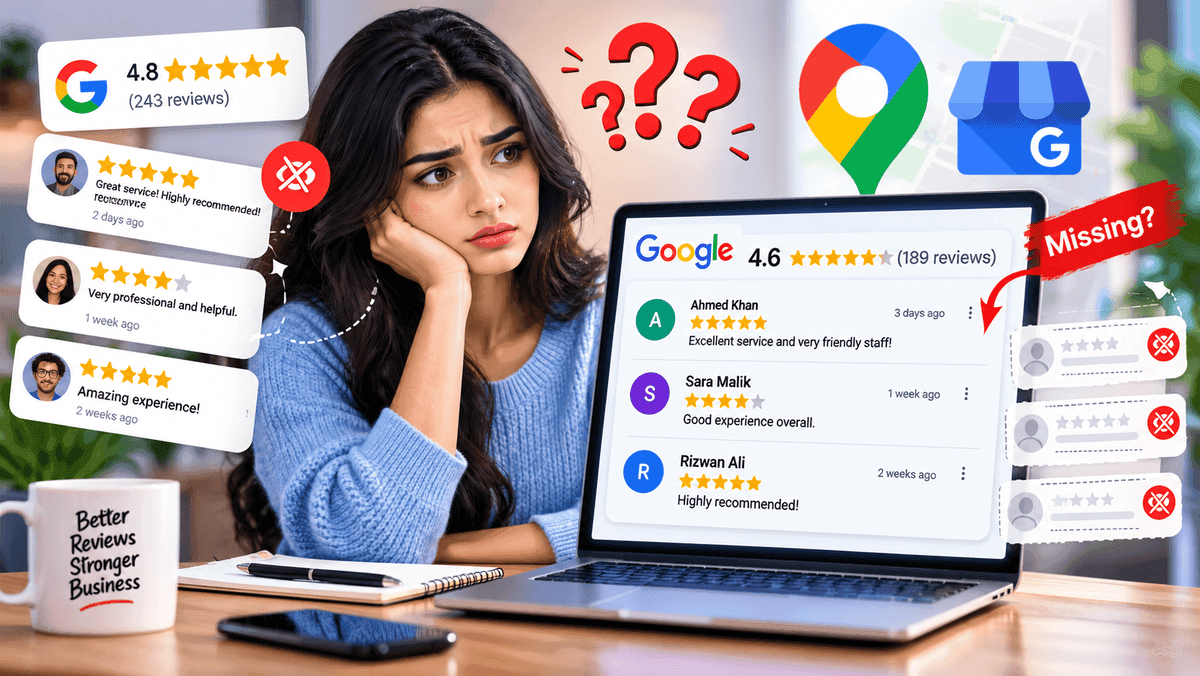

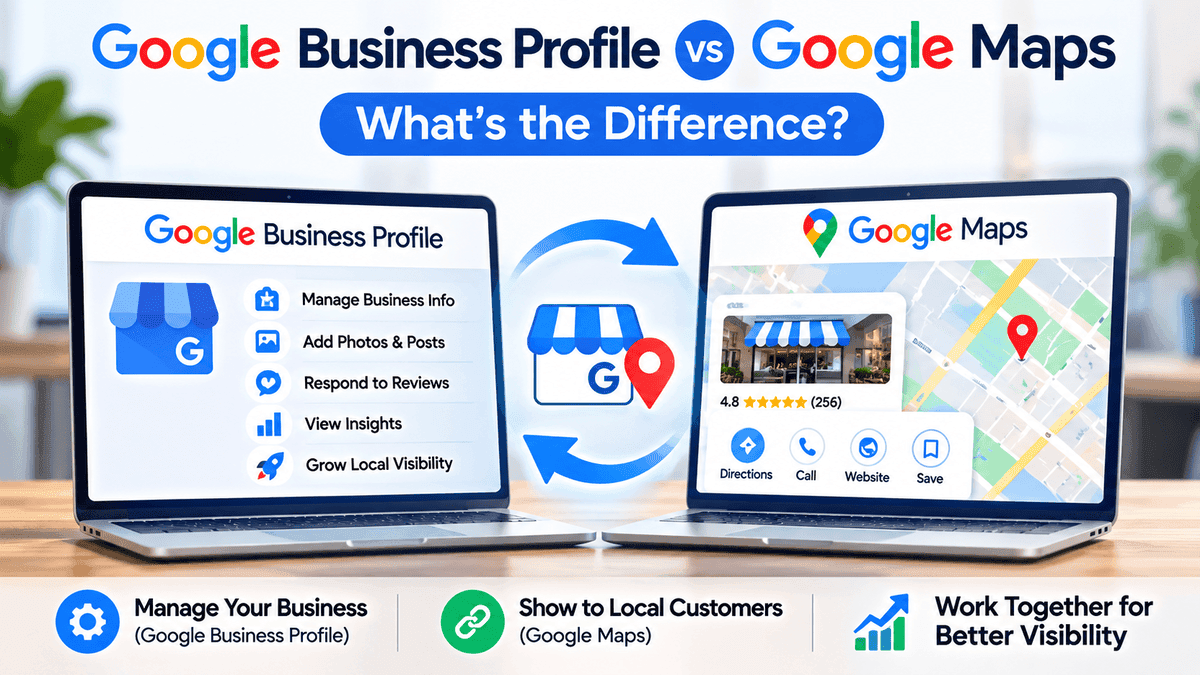
Google Business Profile vs Google Maps comes down to who uses each one. Google Business Profile is where the owner updates things, and Google Maps is where customers see them. Take a café owner who spots the shop on Maps. There's a pin, a few photos and a review that says "great flat white, slow service". The hours are wrong, a reply is overdue and it isn't clear where to fix any of it. That café is imaginary, though the mix-up happens all the time, even with owners who run a tidy shop.
Quick Answer - Google Business Profile vs Google Maps
Google Business Profile is a free profile that a business owner manages. Google Maps is one of the places customers see it. Google Search shows the same profile too. One profile covers both, so nobody has to create a separate Maps listing. Edits can carry over to both places, though not always right away.
What Is Google Business Profile?
Google Business Profile has an older name, Google My Business. It's a free tool where a business keeps its listing in order. That way the address, phone number and hours that customers check first are the right ones.
What Can Business Owners Manage With It?
- Name, address, phone number and website
- Opening hours, including holiday hours
- Categories and the areas a business serves
- Photos and posts
- Reviews, plus replies to them
- Numbers like profile views and calls
Claiming and verifying the profile is what gives an owner these tools, though some options vary by business and verification status.
What Is Google Maps?
Google Maps is what people open when they want directions or a place to eat nearby. The details on a listing come from several places: the business profile, public sources, customer contributions and Google's own updates.
What Do Customers See on a Google Maps Listing?
- A pin on the map, with directions
- The name, address, hours, phone and website
- A star rating and written reviews
- Photos from the owner and from other customers
- Buttons for calling, opening the website or saving the place
The customer only sees the finished listing, while the profile is where it's built.
Google Business Profile vs Google Maps - Key Differences
Google Business ProfileGoogle MapsPurposeManage business detailsFind places and get directionsMain usersOwners and managersCustomers and travelersAccessNeeds a claimed, verified profileOpen to anyoneInformationEntered and updated by the ownerShown to customers, from several sourcesReviewsOwners read and replyCustomers read and writeReportsCalls, views and searchesNo separate reportsCostFreeFree to use
Back office versus shop window, basically.
How Google Business Profile and Google Maps Work Together
One Business Profile, Several Google Surfaces
Maps isn't the only place the profile turns up. Search for a business by name on regular Google and a panel with the same details often sits next to the results. Try "café near me" instead and the result can be a local pack, which is a handful of nearby places over a little map. Either way the same profile sits behind it, so a second listing would only add clutter.
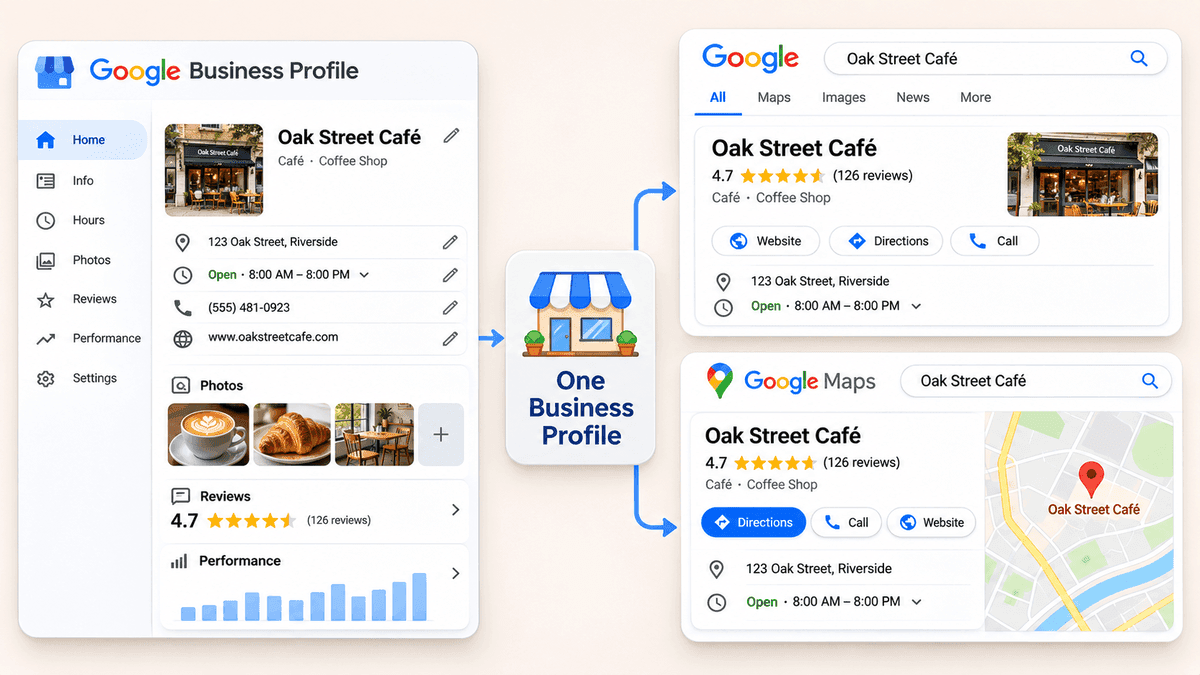
How Updates, Photos and Reviews Appear Across Google
Change the hours in the profile and the new hours can show up in Search and Maps both. Photos and reviews travel the same way. Say a customer leaves a review on Maps. It lands on the profile, and the owner's reply sits right under it. Google sometimes checks an edit before it goes live, though. A change can take a while to appear, and nobody outside Google can say how long.
Can Your Business Appear on Google Maps Without a Claimed Profile?
Yes. Google can pull a listing together from public information, and ordinary people can suggest places as well. So a business can end up on Maps without the owner ever knowing. That's an unclaimed listing. The pin is there, but nobody controls what it says.
Take a bakery with the wrong phone number on its Maps listing. Nobody had claimed it, so the number stayed wrong, and customers kept calling a line that rang out. Hours can drift out of date the same way, and reviews pile up with no reply.
How to Claim and Manage Your Business on Google Maps
Screens look a bit different depending on country and device, but the steps are usually close to this.
Step 1: Find Your Existing Business Listing
Start by searching the business name on Google or Maps. If a listing is already there, look for a "claim this business" or manage option. When someone else owns it, Google has a way to ask for access.
Step 2: Claim the Profile or Add an Eligible Business
No listing at all? Then add the business. Google doesn't take every kind of business, though. It wants a real place that deals with customers, or a service-area business, and a P.O. box or virtual office usually won't count.
Step 3: Complete Google's Verification Process
Verification is Google's way of checking that the business is real. Depending on the business, that could mean a phone call, a text, an email, a video or a postcard. Google decides which options appear, so the one wanted may not be on the list. Stuck on a step? This guide on how to verify a Google Business Profile goes slower and covers each screen.
Step 4: Update Business Details and Watch for Changes
Once verified, read through the name, address, phone, hours, categories and website line by line. A few days later, look again, since other people can suggest edits and a wrong one can slip through.
Are Google Maps Reviews and Google Business Profile Reviews the Same?
Yes. Someone with a Google account can review a place from Maps or from Search, and both reviews land on the same profile. Maps doesn't have its own review account. Replies come from the profile, and anyone can read them.
To collect reviews, ask real customers after a real visit. Google's content policies don't allow fake or paid ones. Short replies work. Something like "Thanks for coming in, glad the coffee hit the spot" does more than saying nothing.
How Do Google Business Profile and Maps Affect Local SEO?
Google names three things behind local results: relevance, distance and prominence. Fancy words, simple ideas.
Relevance, Distance and Prominence
- Relevance: how well the profile fits the search
- Distance: how far the business is from the searcher, or from the place named in the search
- Prominence: how well known the business is, reviews included
Nobody can move a shop closer to the searcher, so the effort goes into the other two.
What Business Owners Should Optimize First
- A main category that fits what the business does
- Correct hours, with holidays added
- A list of services and a short, honest description
- Clear photos of the place, the products and the team
- Real reviews, with replies
Nothing here promises a ranking, and posting every day won't lift a profile by itself. A fuller breakdown is in this guide on how to optimize a Google Business Profile.
Common Google Business Profile and Maps Problems
My Business Is on Maps but I Don't Manage It
Open the listing and look for a "claim this business" or request access option. Claiming and verifying the listing gives the owner the management tools. Before that, people can still suggest corrections through Maps, but those are only suggestions.
My Business Isn't Showing on Google Maps
Search the exact name and address first. A new profile could still be waiting on verification, or it might carry a notice. Open the profile first and read whatever message is sitting there.
Google Maps Shows Incorrect or Outdated Information
If the profile is claimed, fix it there. If it isn't, suggest an edit from the listing itself. Since other people can suggest changes too, it helps to recheck every so often.
My Business Has Duplicate Listings
Duplicates split the reviews between two pages, which confuses customers. Find each one and use Google's option to report a problem or mark it as a duplicate. Removal has no set timeline, and cleanup can take a while, so patience helps.
Frequently Asked Questions
Is Google My Business the same as Google Business Profile?
Pretty much, yes. Google My Business is what it used to be called. The rename came with a few screen changes too, so an older article can describe menus that no longer exist. Either way it's a free profile for managing how a business shows up on Google.
Is Google Business Profile free?
Yes. Creating and managing a profile costs nothing. Paid help or ads are optional extras and a separate thing. A company charging money to put a business on Google Maps deserves a second look, since that step costs nothing.
Can I manage my Business Profile through Google Maps?
Often, yes. Verified owners can usually edit details right from Search or Maps. Accounts with lots of locations may use a separate dashboard instead. Menus change over time, so the screens may look different. The main thing is signing in with the Google account that owns the profile.
Do I need separate listings for Google Search and Maps?
No. One profile covers Search and Maps both. Another profile for the same place usually ends up as a duplicate, which splits the reviews and confuses customers. If duplicates already exist, report them rather than adding more.
Can customers leave Google Maps reviews without a business claiming its profile?
Yes. Anyone with a Google account can review a listing, claimed or not. The owner can't reply until someone claims and verifies the profile, though. Reviews still have to follow Google's content policies, so some get taken down.
How long do Business Profile updates take to appear on Google Maps?
No fixed time exists. A few edits show up fast. Others sit in a queue for a check, and Google can change suggested info before it goes live. If a change still hasn't appeared after a while, the profile is the place to look for notices or pending edits.
Final Thoughts - One Business Profile, Many Places to Show Up
Google Business Profile is the place to manage details. Maps is one of the places customers see them, next to Search. Claim the profile, fix the hours and answer the reviews. Look back now and then too, since a wrong edit can sneak in. One profile does the job of both.
About the Author
Sarah JohnsonGrowth Specialist
Specializes in helping local businesses maximize online visibility and customer engagement.